What Is an MFA Fatigue Attack in 2026?
Your multi-factor authentication can be bypassed without malware, without zero-days, and without touching encryption. Attackers skip all of that and exploit you instead.
An MFA fatigue attack is a social-engineering technique where a criminal who already holds your username and password sends repeated push-notification approval requests to your device, betting that sheer volume will make you tap "Approve" just to silence the alerts. No advanced technical skill required.
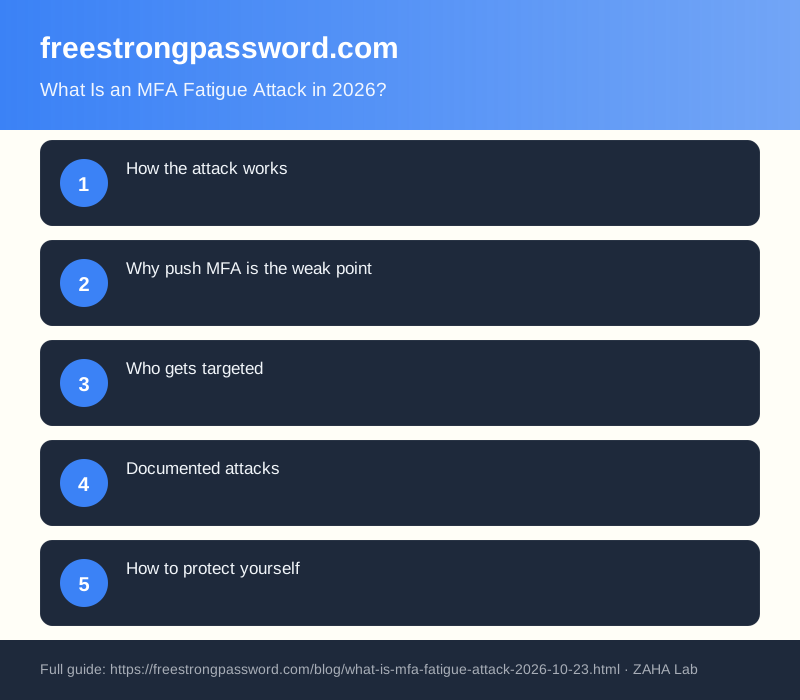
How the attack works
The attacker starts with valid credentials. These typically come from a phishing email, a credential-stuffing run against a reused password, or a breached database sold on forums. MFA fatigue only triggers once the attacker has working login details - they cannot generate push notifications without attempting a real sign-in against the target service.
With those credentials, they loop the login attempt. Each try sends a notification to the victim's registered device. Microsoft Authenticator, Okta Verify, Duo, and similar push-based apps all behave the same way: a pop-up appears asking the user to confirm the sign-in. The attacker repeats this ten times, twenty, fifty.
Many attackers layer in a second step after the bombardment. They contact the victim by phone or messaging app, posing as the company's IT helpdesk. The script goes: "You will keep receiving these alerts until you approve the pending request to resolve a security flag on your account." That combination of persistent notifications and impersonation is sometimes called push bombing plus vishing (voice phishing).
The victim, exhausted or deceived, taps Approve. The attacker is in.
Why push MFA is the weak point
Push-based MFA became popular because approval requires a single tap. That same convenience is its structural weakness. Compare it to time-based one-time passwords (TOTP): the user must open an app, read a six-digit code, and type it within 30 seconds. A TOTP code cannot be sent to the user from a remote attacker - they must actively generate and supply it themselves. Fatigue attacks do not work against TOTP because there is nothing to approve passively.
Hardware security keys (FIDO2 standard) go further. A physical key must be plugged into the device or tapped against a phone's NFC sensor to authenticate. No remote approval mechanism exists. An attacker triggering a sign-in from a different continent cannot manufacture a physical touch.
Who gets targeted
Executives, IT administrators, and engineers with broad system access are the highest-value targets. But anyone whose credentials appear in a breach can face this attack. Automated tooling makes it cheap to run credential-stuffing against thousands of accounts at once. Organisations using Microsoft 365, Google Workspace, or Okta with default push settings have faced this repeatedly since 2022.
Documented attacks
The Uber breach of September 2022 is the most widely cited example. An attacker obtained an employee's credentials, sent repeated push notifications, and then contacted the employee via WhatsApp posing as Uber IT. The employee eventually approved a request. Uber confirmed the incident publicly and attributed it to a social-engineering campaign linked to the Lapsus$ threat group.
Cisco disclosed a similar compromise in August 2022. Attackers combined credential theft, sustained MFA push attempts, and voice phishing calls to the victim's personal phone. Cisco Talos published a detailed technical breakdown of the full attack chain. Both incidents prompted Microsoft, Okta, and Duo to accelerate rollout of number-matching features and additional contextual prompts in their authenticator apps.
How to protect yourself
The most effective defence changes the type of MFA, not just the strength of the password behind it.
Switch from push approvals to TOTP or passkeys. Apps such as Google Authenticator or the open-source Aegis Authenticator on Android generate six-digit codes locally. There is no remote push request, so there is nothing for an attacker to flood you with.
Enable number matching. Microsoft Authenticator and Duo both support a mode where the app displays a two-digit number that must match what appears on the login screen. An attacker triggering a sign-in from abroad cannot fabricate the number showing on your screen. Microsoft turned this on by default in Authenticator during 2023 for most tenants.
Use a hardware security key. A FIDO2 key is the strongest per-account protection available. The YubiKey 5 NFC by Yubico supports USB-A, USB-C, and NFC, works with hundreds of services including Microsoft 365, Google, and Okta, and requires a physical tap on the key itself to authenticate.
We earn a commission if you buy through links on this page.
You can find the YubiKey 5 NFC on Amazon UK. Once registered, it makes remote MFA fatigue attacks impossible - the attacker has no way to simulate a physical tap.
Set push lockout policies. Most enterprise identity providers allow you to lock an account or require an administrator reset after a set number of declined or unanswered push requests. Many platforms leave this disabled by default. A threshold of five to ten failed pushes is a sensible starting point.
Train every user. A person who recognises unsolicited MFA notifications as a sign their password is already stolen will call IT rather than tap Approve to stop the noise. User awareness is the least expensive control and often the one that prevents the breach entirely.
FAQ
Is MFA fatigue the same as push bombing?
Yes. The terms describe the same technique from different perspectives. "Push bombing" names what the attacker does; "MFA fatigue" names the psychological state the attacker aims to produce. Both refer to flooding a device with push authentication requests.
Does this attack work on SMS-based two-factor authentication?
No, not in the same way. SMS one-time codes must be read and typed by the user - the attacker cannot send a code to your device on demand. SMS two-factor has serious weaknesses of its own, including SIM-swapping and SS7 interception, but it is not vulnerable to push-flooding.
How many requests does a typical attack involve?
There is no fixed number. Reported incidents range from a handful of attempts to over a hundred in a single session, sometimes spanning multiple days. The attacker's goal is persistence until a tap lands, not reaching a specific count. The Cisco incident involved notifications across an extended period before the attacker succeeded.
Is Microsoft Authenticator safe to use in 2026?
With number matching and additional context enabled, it is substantially harder to exploit. A prompt that shows the application name, approximate location of the sign-in attempt, and a matching number is much harder to approve by accident than a plain "Approve / Deny" pop-up. Microsoft has made these features default for most tenants, but older app versions or custom tenant policies can still disable them.
What should I do if I receive unexpected MFA push notifications?
Decline every request immediately. Do not approve anything. Then change your password straight away - unexpected push notifications mean your credentials are already in an attacker's possession. If the account belongs to your employer, contact IT security before making changes so they can investigate and preserve evidence for a potential incident response.